
 English (US)
 عربى
عربى italiana
The site engineer can record the diary entry for the project by click on the Diary Entry button. (From dashboard click on the project name that want y...
Recent Articles
Have a look to our articles

compensation event window will display the related diary information on the left of the screen, using this diary entry user can create the compensatio...

User management table will show you all the available user records with the action button. Only the Director level user be able to edit current user o...

Click on the choose file to select the file you want to upload for your letterhead Image, the click upload button to upload the file . This action wil...

You will get an URL after successful system activation. Type the given URL on your internet browser to reach your system.(example https://aremiscm.c...
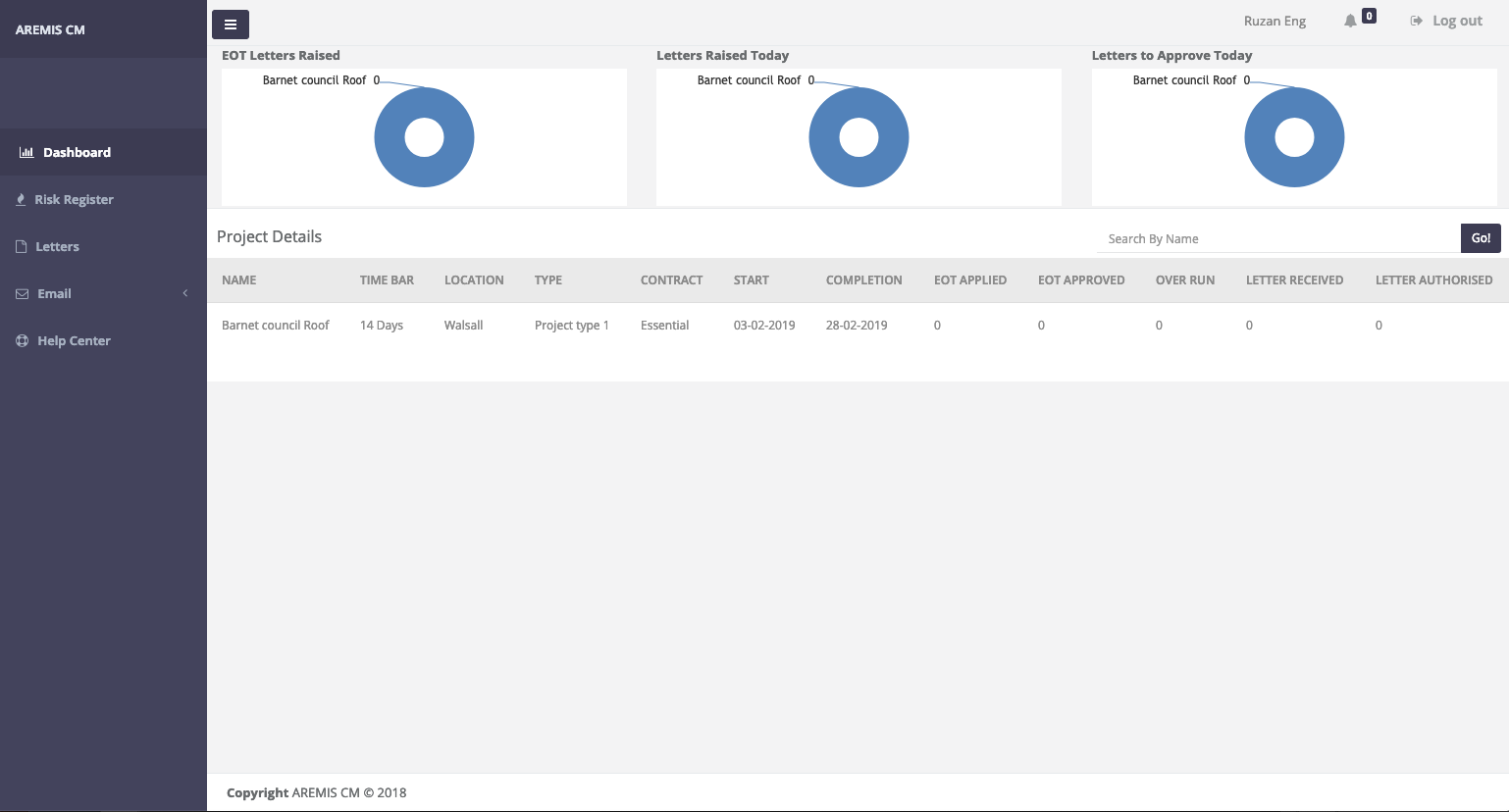
Above Image shows the dashboard of site Engineer view. Site Engineer will have the restricted dashboard view with all the necessary menu and view to c...